
Connected sending
Gmail-connected quote, invoice, and CRM email
Send supported customer-facing emails from a connected Gmail account when available, with fallback sending when Gmail is not connected.
What improves
- check_circleMakes operational emails feel personal and trustworthy.
- check_circleKeeps quote, invoice, and CRM messages tied to the Oorini record.
- check_circleSupports automation without losing sender context.
How teams use it
- check_circleSend quote and invoice emails from the user's connected Gmail.
- check_circleRun CRM automation and sequence emails using the right sender.
- check_circleFallback to a shared sender when Gmail permissions are unavailable.
AI examples
- check_circleDraft a quote email in a professional but direct tone.
- check_circleWrite a polite payment reminder using invoice context.
- check_circleCreate a reactivation email for inactive customers.
Operating path
The value is in the connected handoff.
This page exists because the feature is not an isolated module. It earns its value when it moves work across teams, locations, systems, and customer commitments.
Connect Google Workspace
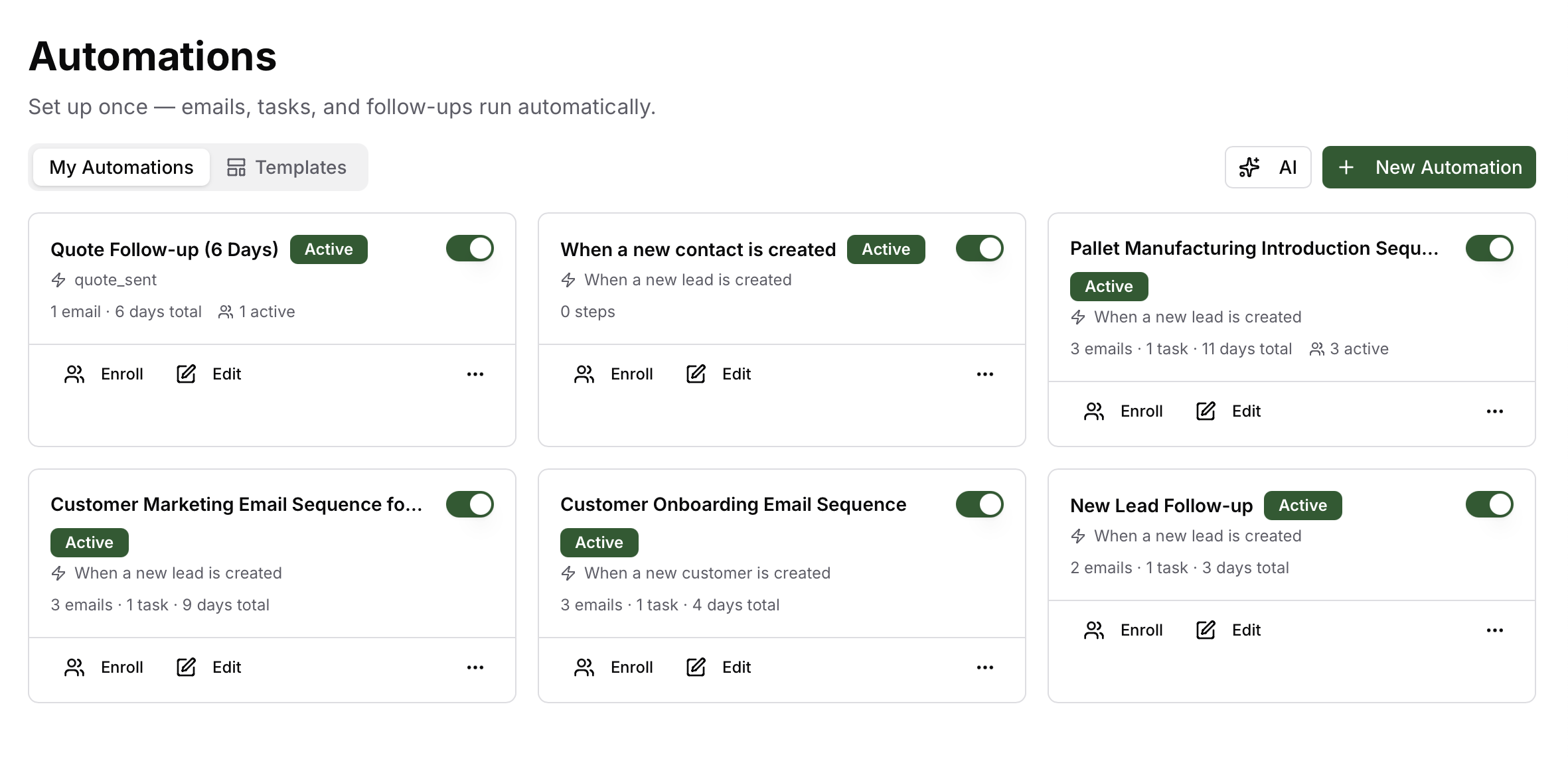
Draft or automate email
Send from Gmail when permitted
Log activity on the customer record
Related features
Keep exploring the workflow.
Oorini AI Chat
Ask Oorini what is happening across orders, production, inventory, CRM, invoices, and delivery, then move into the right screen with context already prepared.
precision_manufacturingManufacturing Workflows
Build reusable production workflows with steps, machines, quality checks, expected wastage, custom fields, and parallel work instead of recreating the floor process every time.
account_treeFulfillment and Locations
Plan whether order lines should be picked from stock, made to order, split across locations, transferred, or dispatched from the site that can actually fulfill them.